How to create and sell your first digital product,

How to Create and Sell Your First Digital Product
You don’t need a big audience, expensive equipment, or years of experience to sell your first digital product. You just need one helpful idea, a simple file, and a place for people to buy it.
A digital product can be an ebook, planner, checklist, template, guide, preset, mini-course, or a set of Canva designs. Once it’s made, you can sell it again and again without shipping anything.
Start small. Don’t try to build a huge course right away. Make one useful thing, share it, and learn as you go.
Start with a problem
The best digital products solve one small, specific problem.
Instead of “a guide to being productive,” try something like:
- A 7-day meal planner for busy people
- A simple budget tracker for beginners
- A resume template for first jobs
- A trip-planning checklist
- A beginner’s guide to starting a small garden
- Canva templates for small business owners
Think about what people already ask you for help with. Maybe friends ask you to plan trips, fix resumes, organize budgets, or edit photos. That can be a good clue.
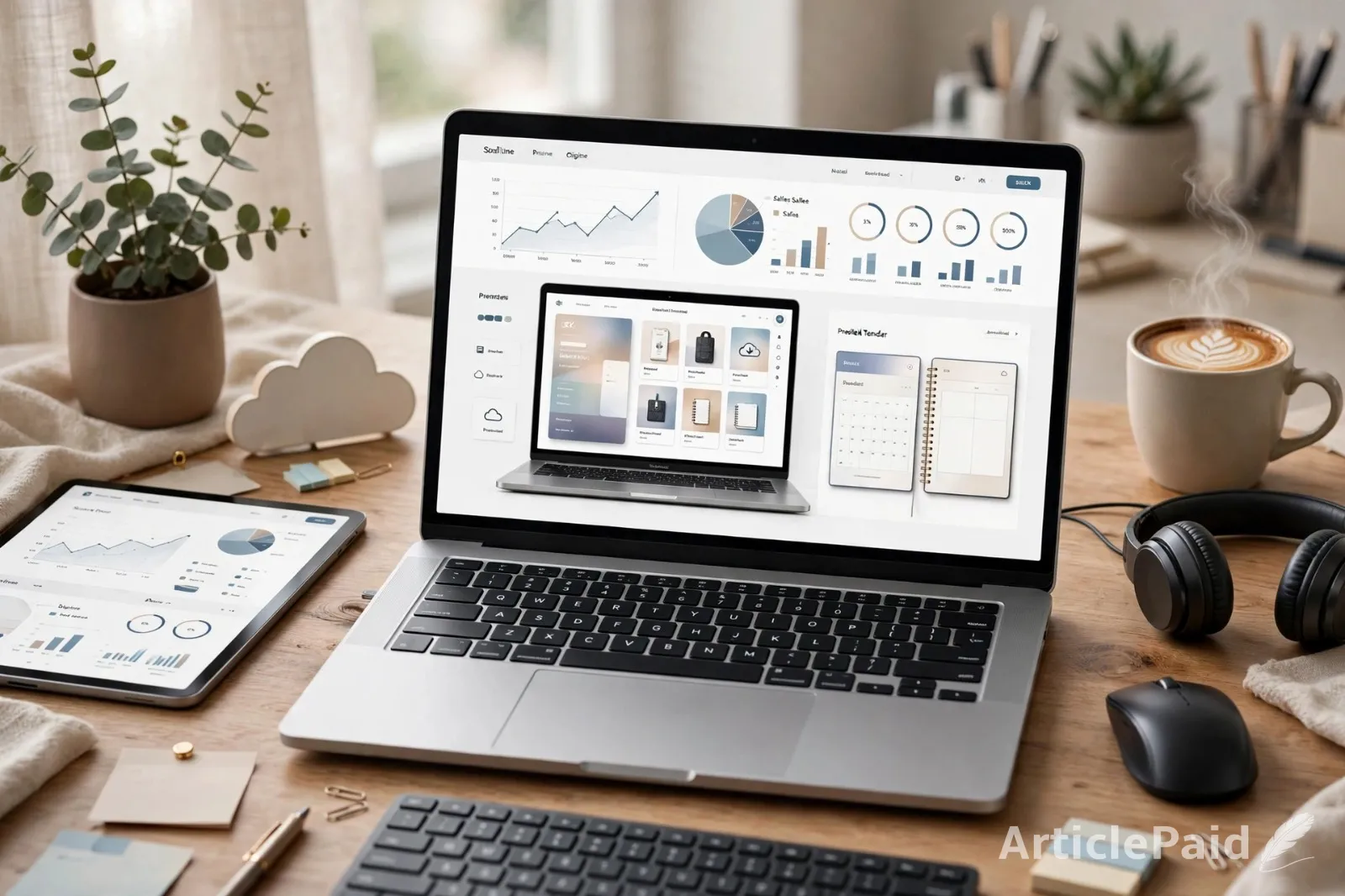
You can also look at what people search for, the questions in Facebook groups, and what already sells on Etsy or Gumroad. If people are buying something similar, there is probably demand.
Pick one simple format
Don’t overthink the format. Choose the easiest one for your idea.
Good beginner options include:
- PDF guide: Tips, checklists, and step-by-step advice
- Printable planner: Budgets, meals, habits, schedules
- Template: Canva, resume, spreadsheet, or Notion templates
- Mini-course: A few short videos or lessons
- Presets or digital art:Good if you already design or edit photos
For your first product, a PDF, template, or checklist is usually easiest. You can make it with free tools like Canva or Google Docs.
Make it useful, not perfect
Your first product doesn’t need to be perfect. It needs to be helpful.
Pick one clear promise, such as: “This planner helps you plan a week of meals in 20 minutes.” Then make sure the product actually does that.
Keep it simple:
- A short introduction
- A few clear sections
- Easy-to-use pages or steps
- Clean design
- Clear instructions
Don’t add 100 pages just to make it look bigger. People buy things that save them time or solve a problem—not things that look long.
Test the idea first
Before spending weeks creating something, see if anyone wants it.
Ask people directly: “Would this help you?” or “What would you want included?” Share the idea on social media, ask friends, or post in a group where your ideal buyer spends time.
You can also make a simple waitlist or pre-sale page. Explain what the product will include, when it will be ready, and let people join or buy early. If people sign up or buy, that’s a good sign.
You don’t need hundreds of interested people. Even a small group can tell you whether you’re on the right track.
Choose where to sell
For your first product, use a platform that handles payments and file delivery for you.
Beginner-friendly options include Gumroad, Etsy, Payhip, or a simple store on your own website. Gumroad works well for PDFs, templates, and small digital files. Etsy can be great for printables and design templates.
Don’t build a complicated website yet. You can always move later. Right now, your goal is to get the product in front of people.
Your product listing should include:
- A clear product name
- A short description
- What’s included
- Who it’s for
- A few preview images
- The price
For example: “A 12-page printable meal planner with a weekly planner, grocery list, and 20 easy dinner ideas.”
Price it fairly
Pricing can feel scary, but keep it simple.
Look at similar products. If simple planners usually sell for $5 to $15, don’t panic and sell yours for $1. A bigger template pack or mini-course may be worth more.
A simple starting point:
- Checklist or single printable: $3–$9
- Small planner or template: $7–$19
- Bigger guide or template pack: $19–$39
- Mini-course: $29 and up
Your first price doesn’t have to be permanent. You can raise it later as you improve the product and learn what people want.
Tell people about it
This is the part many beginners avoid. But nobody can buy your product if they don’t know it exists.
You don’t need to sound salesy. Just talk about the problem it solves.
For example:
- “I made a simple budget tracker for people who hate spreadsheets.”
- “This meal planner helped me stop stressing about dinner.”
- “If you’re planning your first trip, this checklist keeps you organized.”
Post about the problem, share a preview, explain who it’s for, and include the link. You can use TikTok, Instagram, Pinterest, Facebook groups, or email—whatever feels most natural to you.
Don’t post once and give up. People usually need to see something more than once before they buy.
Learn from your first sale
Your first sale may feel exciting. Your first month may also feel slow. Both are normal.
Pay attention to what people ask. If someone says, “I wish it had a grocery list too,” add one. If people buy one template but ignore another, make more like the one that sells.
Ask early buyers for honest feedback. You can offer a small discount in exchange for a review, then use that feedback to improve version two.
Start before you feel ready
You may never feel 100% ready. There will always be one more thing you want to improve.
But your first product isn’t supposed to be your best product forever. It’s your starting point.
Pick one idea. Make it simple. Price it fairly. Share it with people who might need it. Then improve it as you learn.
That’s how most people start: not with a perfect launch, but with one small product and the courage to put it out there.








Responses (0)