
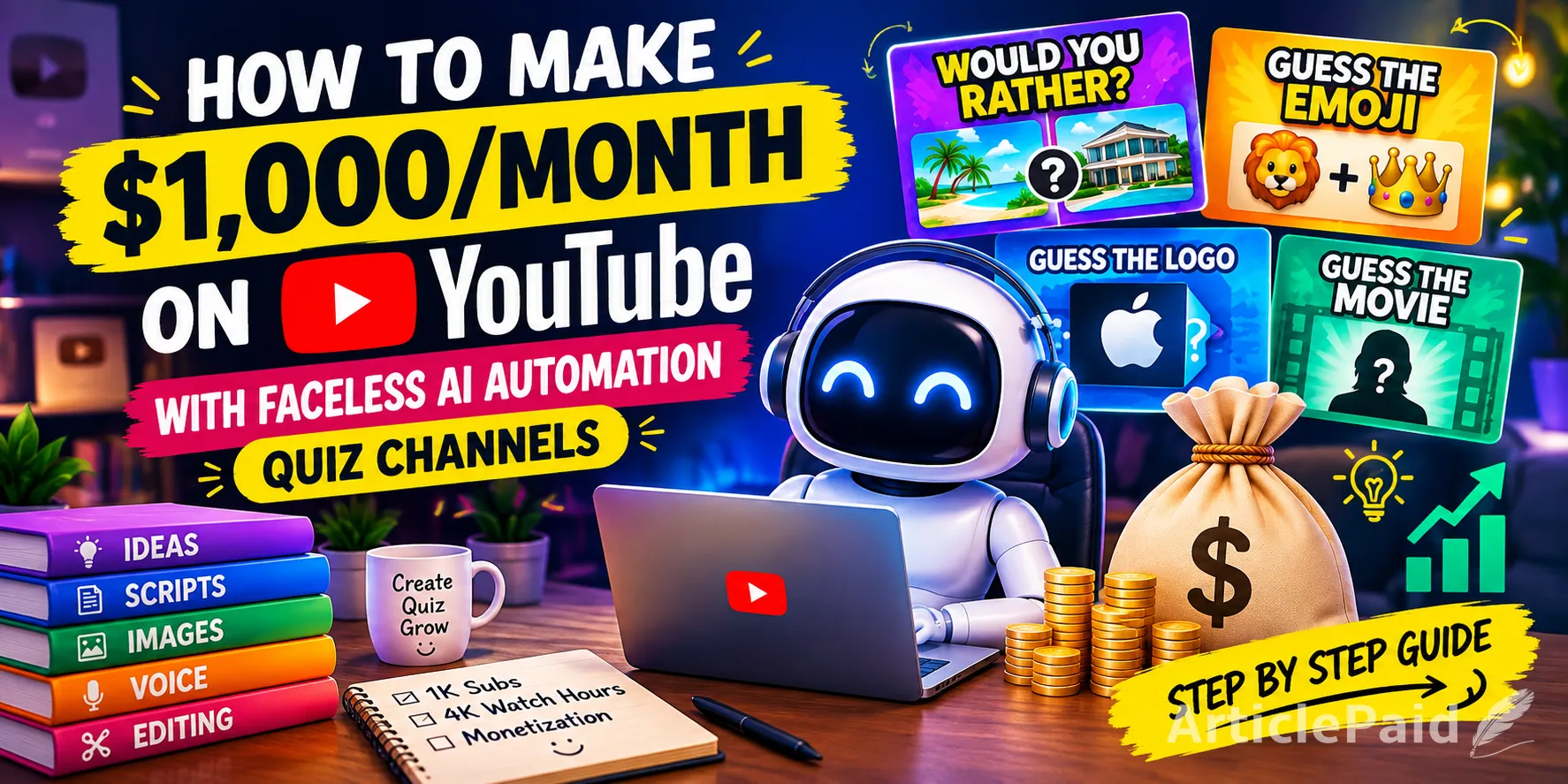
Making money on YouTube no longer requires showing your face, buying expensive cameras, or having a professional recording studio.
With AI-assisted tools, a single creator can research ideas, generate visual assets, write scripts, create voiceovers, edit videos, and publish content without appearing on camera.
One particularly interesting faceless format is the "QUIZ CHANNEL".
Quiz channels can cover everything from Would You Rather and Guess the Emoji to Logo Quizzes, Personality Quizzes, Trivia Challenges, Riddles, Choose One Games, Mystery Gifts, Movie Guessing Games, and many other interactive formats.
Channels such as Quiz Blitz and Daily Quiz demonstrate how broad the quiz format can be. Quiz Blitz describes its content around fast-paced trivia, riddles, brain teasers, and quick-fire questions, while Daily Quiz covers formats including Emoji Quiz, Logo Quiz, Would You Rather, Pick One Kick One, and other challenges.
But there is an important distinction:
AI automation should be used to help produce original content, not to mass-produce interchangeable videos.
That distinction can make a major difference when you eventually apply for YouTube monetization.
Can A Quiz Channel Really Make $1,000 a Month?
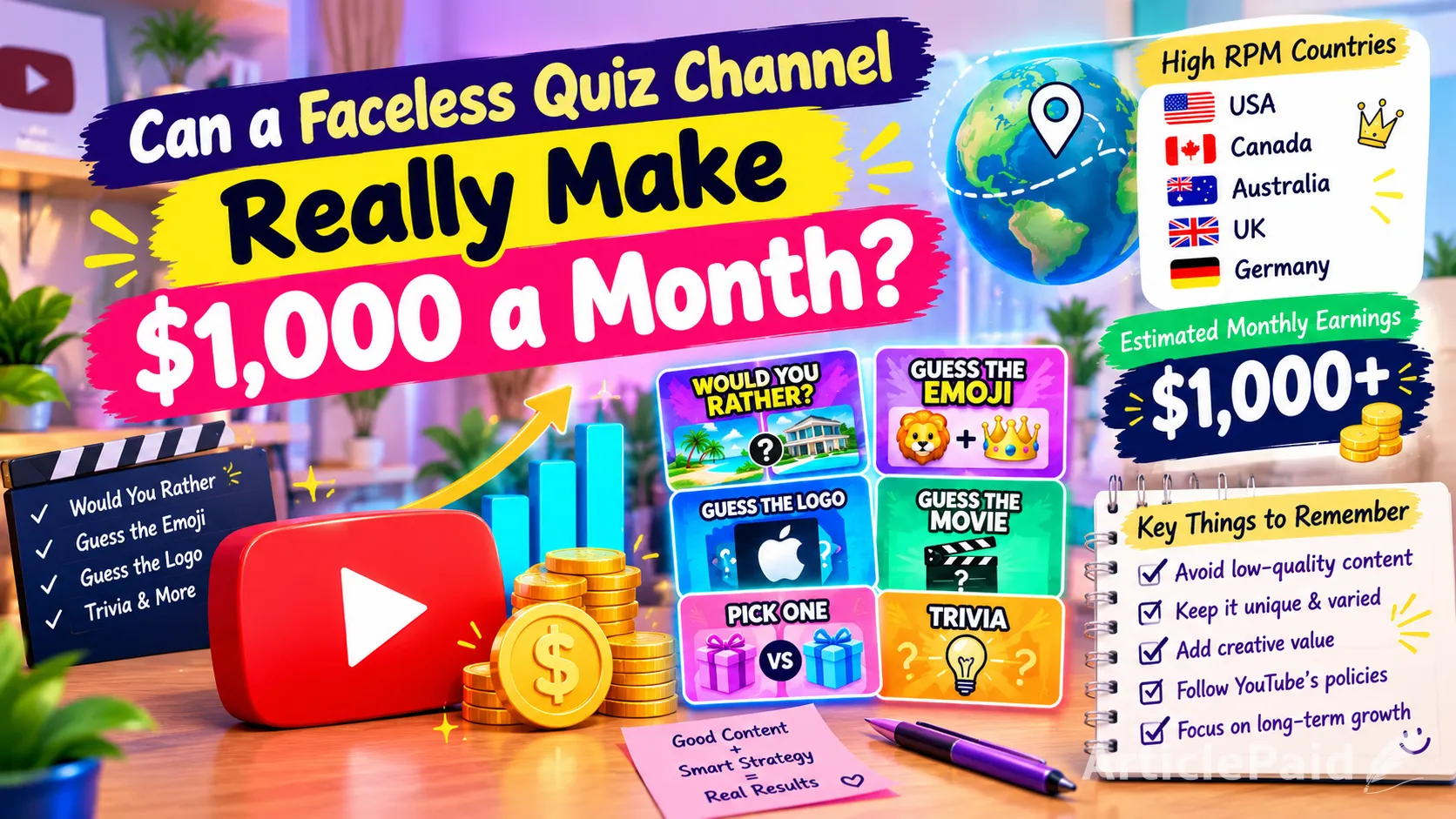
Yes, it is possible, but $1,000 per month is a target, not a guarantee.
Your actual earnings depend on factors such as:
- Monthly views
- Viewer location
- Video length
- Watch time
- Audience retention
- Ad impressions
- Advertiser demand
- Content category
- Seasonality
- Long-form versus Shorts traffic
This is one reason a creator targeting an English-speaking international audience may focus on countries such as the United States, Canada, Australia, the United Kingdom, and Germany.
However, don't think of it as simply:
“Get American viewers = guaranteed high RPM.”
It doesn't work that way. RPM changes from channel to channel and even from month to month.
Step 1: Choose the Quiz Channel Concept
The first step is deciding what kind of quizzes you want to produce.
You don't have to make every video the same type of quiz.
In fact, creating different concepts can make the channel more interesting and help prevent your content from becoming repetitive.
For example, your channel could include:
Would You Rather
Examples:
- Would you rather live in a luxury mansion or a private island?
- Would you rather have unlimited money or unlimited travel?
- Would you rather choose a pink Lamborghini or a purple Lamborghini?
Guess the Emoji
Show a combination of emojis and ask viewers to identify:
- Movies
- Countries
- Foods
- Celebrities
- Brands
- Animals
- Songs
For example:
? + ? = ?
Give viewers a few seconds to answer before revealing the solution.
Guess the Logo
Display part of a recognizable logo and progressively reveal more of it.
Guess the Movie
Use clues, objects, silhouettes, emojis, or original illustrations to help viewers identify a movie.
Mystery Gifts
Show several mysterious boxes and let viewers choose one before revealing what is inside.
General Knowledge
Questions can cover:
- Geography
- History
- Science
- Animals
- Space
- Food
- Sports
- Movies
- Pop culture
The important thing is that the actual substance of each video should be meaningfully different, rather than simply replacing a few images inside the same template.
YouTube's current monetization policy says similar series can be monetizable when the substance of each video is materially varied and provides creative, educational, or other value.
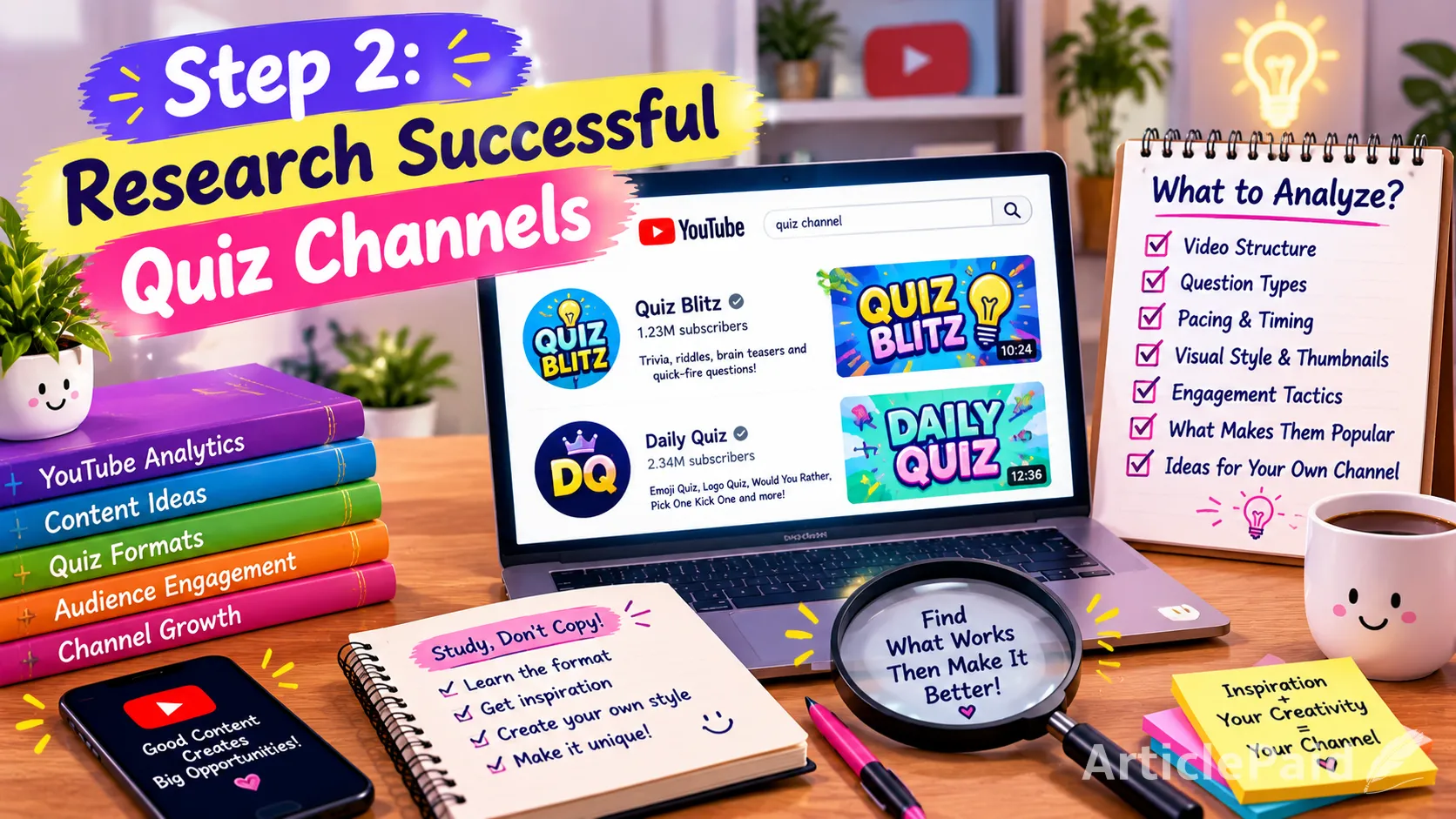
Step 2: Research Successful Quiz Channels
Before creating your own videos, spend some time studying established quiz channels.
For example, Quiz Blitz uses a fast-paced quiz format covering trivia, riddles, brain teasers, and quick-fire challenges. Daily Quiz similarly covers multiple quiz formats, including Emoji Quiz, Logo Quiz, Would You Rather, Pick One Kick One, and general knowledge.
Don't copy their videos.
Instead, study:
- How they structure questions
- How long viewers get to answer
- How they reveal answers
- How they use sound effects
- How they create suspense
- How frequently they change visuals
- How they encourage comments
- How their thumbnails communicate the challenge
- Which quiz concepts generate strong engagement
The goal is to understand the format, then create your own execution.
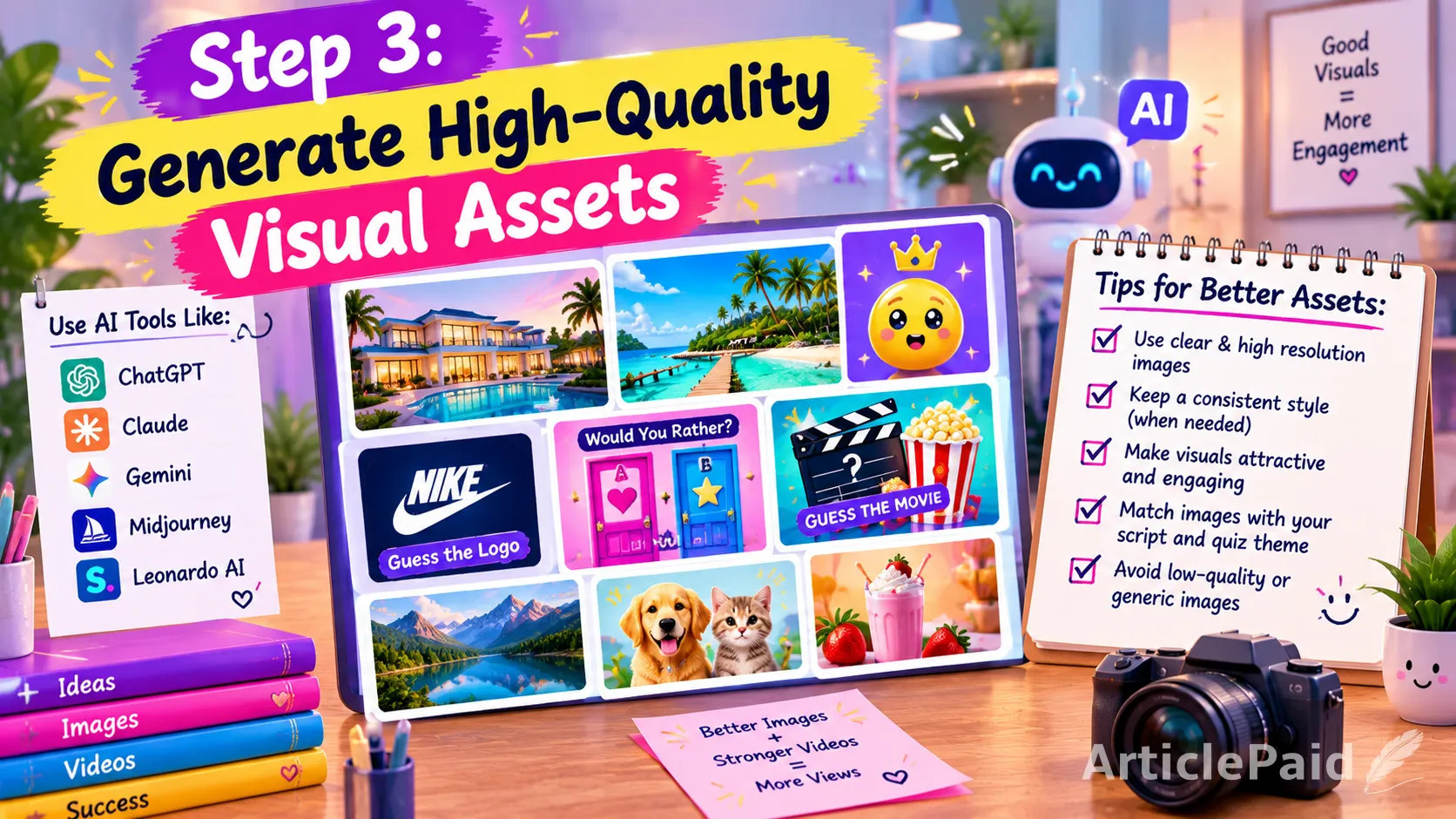
Step 3: Generate High-Quality Visual Assets With AI
This is where many automated channels go wrong.
AI can create images extremely quickly, but quickly generated does not necessarily mean good content.
You can use tools such as:
- ChatGPT
- Claude
- Gemini
- Other AI image-generation platforms
Choose whichever tool produces the visual quality and style you need.
For example, suppose you're making a video called:
“Would You Rather Live in a $10 Million Mansion or a Luxury Yacht?”
Instead of downloading random stock images, you could generate your own visual assets:
- Luxury mansion
- Luxury yacht
- Interior scenes
- Bedroom
- Swimming pool
- Living room
- Ocean view
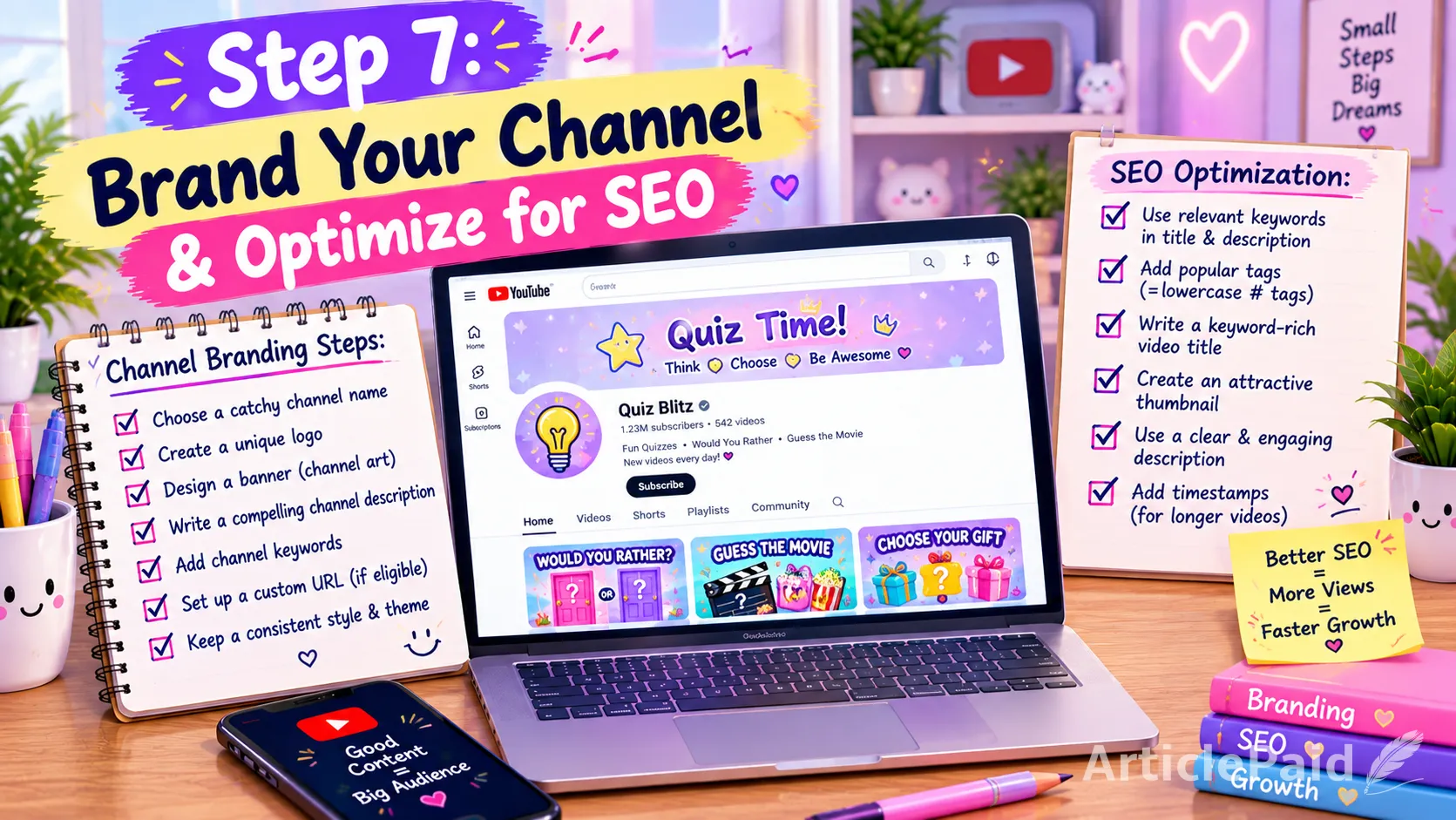
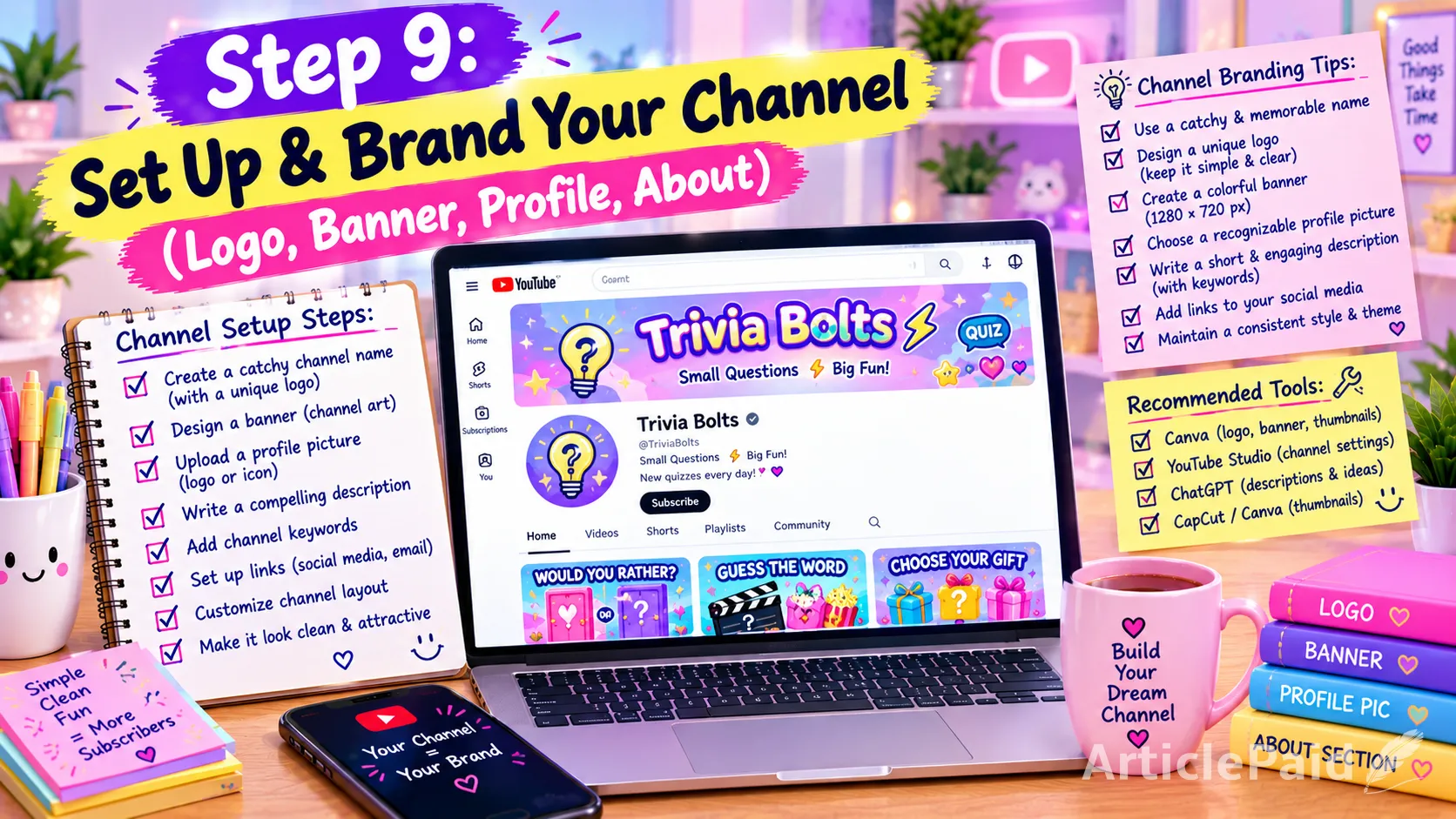
You can also create a consistent visual identity for your channel.
For example:
- Consistent typography
- Consistent character style
- Consistent backgrounds
- Consistent UI elements
- Consistent answer buttons
But don't make every video visually identical.
The visual presentation should change according to the concept.
Why Image Quality Matters?
A quiz video shouldn't look like a slideshow assembled in five minutes.
Poor-quality AI images can immediately make the video feel cheap or automated.
Avoid:
- Distorted faces
- Strange hands
- Broken text
- Low-resolution images
- Random visual styles
- Inconsistent characters
- Images that don't match the narration
- Excessively repetitive backgrounds
Instead, treat AI-generated images as production assets that need to be selected, corrected, edited, and integrated into a finished video.
AI generates the material and "you make the creative decisions".
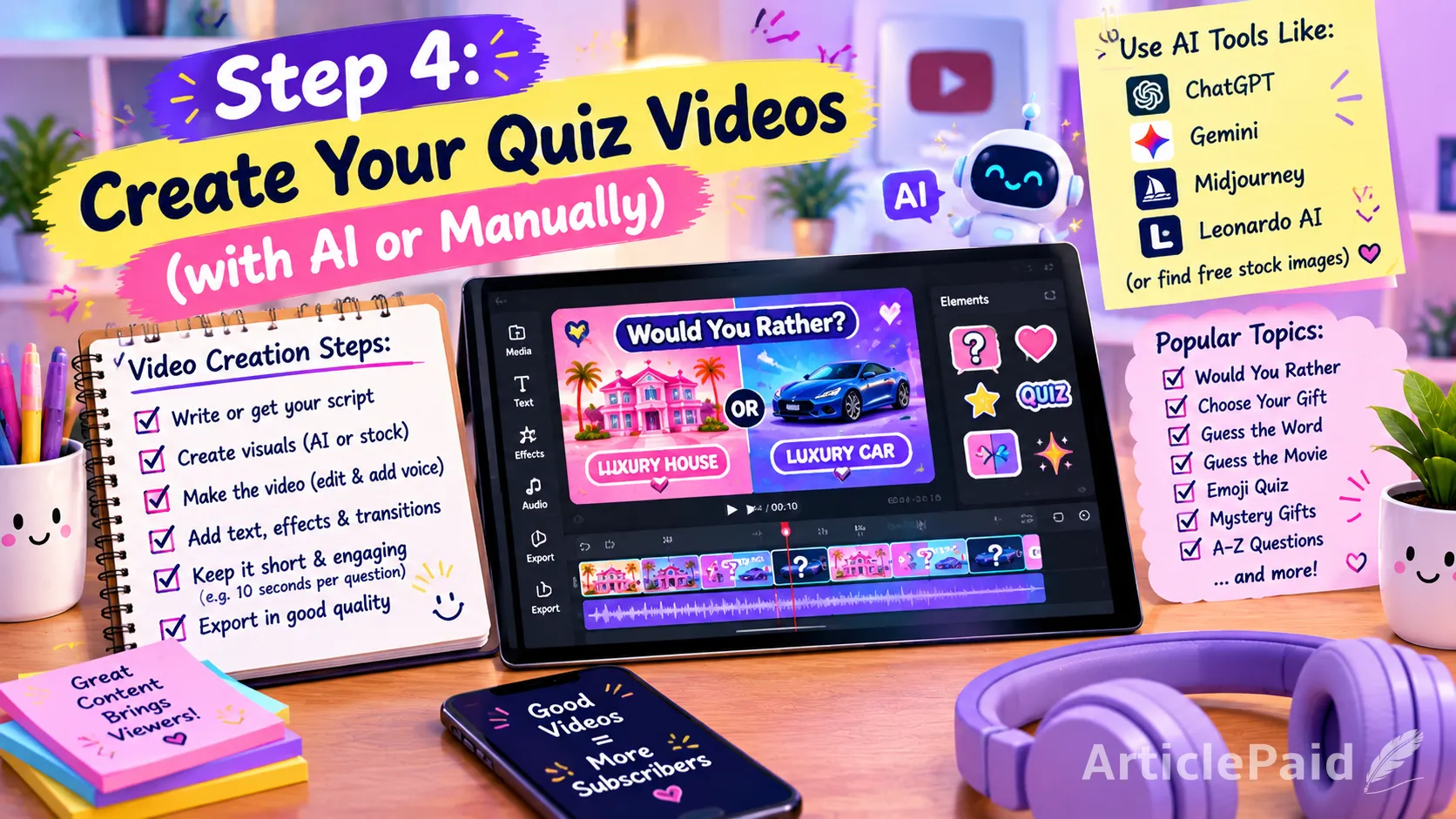
Step 4: Write An Interactive Script
The script is one of the most important parts of a quiz channel.
Don't simply write:
“Question 1. Choose A or B. The answer is A.”
That quickly becomes repetitive.
Instead, make the host sound like an actual person interacting with the viewer.
For example:
“Okay, you've got five seconds to decide. Would you rather spend the rest of your life in this incredible mansion or wake up every morning on your own private yacht? Don't overthink it... your time starts now!”
Then:
“And time's up! If you picked the yacht, I honestly can't blame you. Imagine waking up to a different ocean view every morning!”
Then move to the next question.
You can use ChatGPT, Claude, Gemini, or another writing tool to generate:
- Introductions
- Questions
- Answer choices
- Answer reveals
- Commentary
- Compliments
- Transitions
- Opinions
- Suspense
- Outros
- Calls to action
The objective is to make the video feel like a hosted interactive game, not a computer reading a list.
Step 5: Add Personality to the Narration
This is particularly important for AI-assisted channels.
Instead of having the narrator mechanically read every question, introduce personality.
For example:
Question:
“Would you rather have a private chef or a personal driver?”
Instead of immediately revealing the answer:
“This one's actually harder than it sounds. Personally, I'd struggle with this one because never cooking again sounds amazing!”
You can also ask viewers:
“What did you choose? Let me know in the comments.”
Or:
“If you picked option B, you're definitely not alone.”
Or:
“Okay, this next one is going to split the comments.”
These small interactions can make the content feel substantially more engaging.
Step 6: Convert the Script Into a Human-Sounding Voice
Once the script is finished, turn it into audio.
One option is Google AI Studio's speech-generation tools, although you can use whichever commercially licensed text-to-speech platform gives you the quality you prefer.
The important part isn't simply choosing an AI voice.
You should configure the voice so that it sounds appropriate for the channel.
Pay attention to:
- Voice selection
- Speaking speed
- Pauses
- Pronunciation
- Energy
- Emotion
- Sentence rhythm
- Emphasis
- Question intonation
A quiz host shouldn't sound like someone reading a legal document.
The voice should sound:
- Energetic
- Conversational
- Friendly
- Clear
- Interactive
Listen to the generated audio before putting it into your video.
If a sentence sounds robotic, rewrite the sentence rather than simply accepting the generated result.
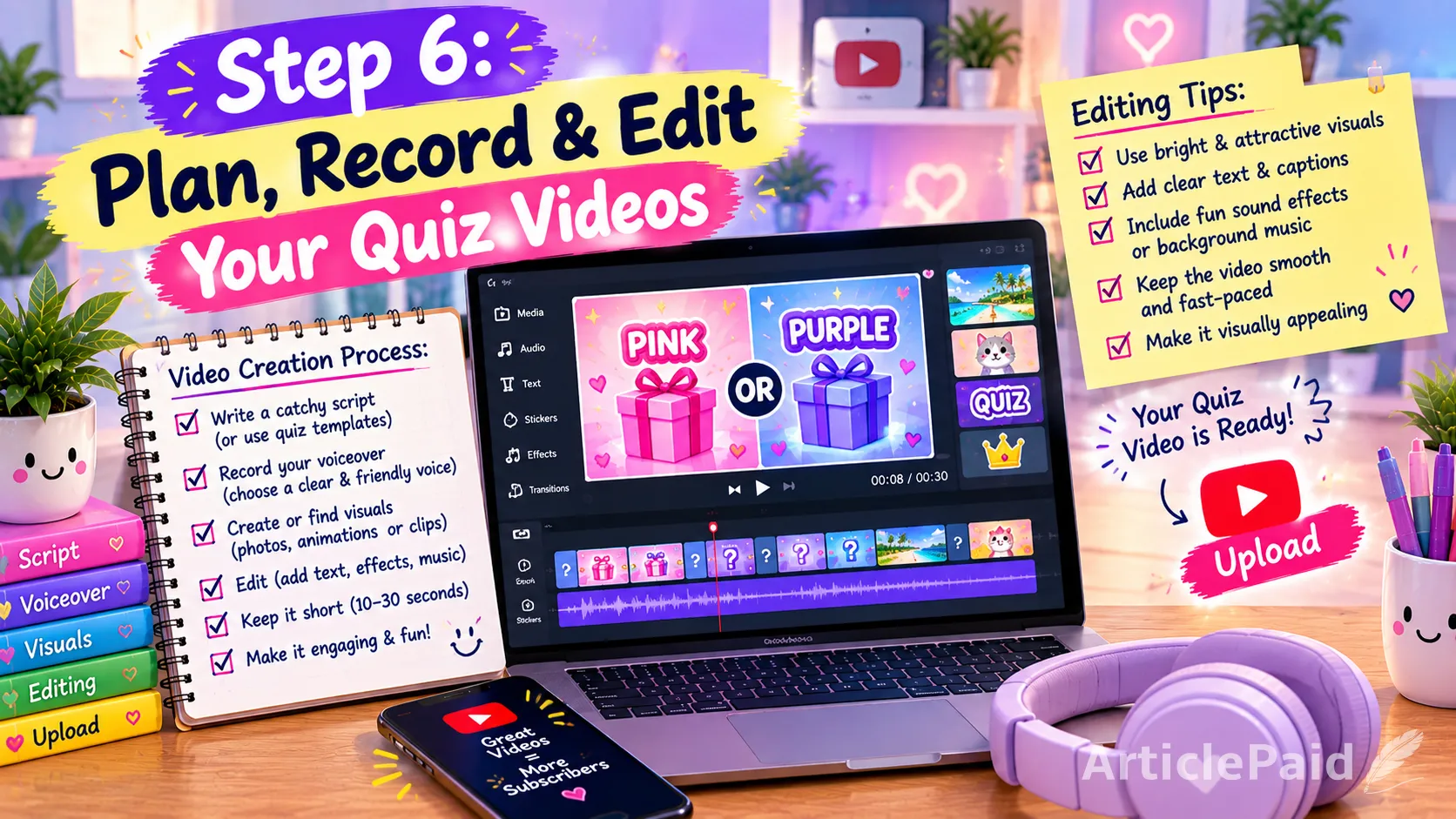
Step 7: Edit the Complete Video
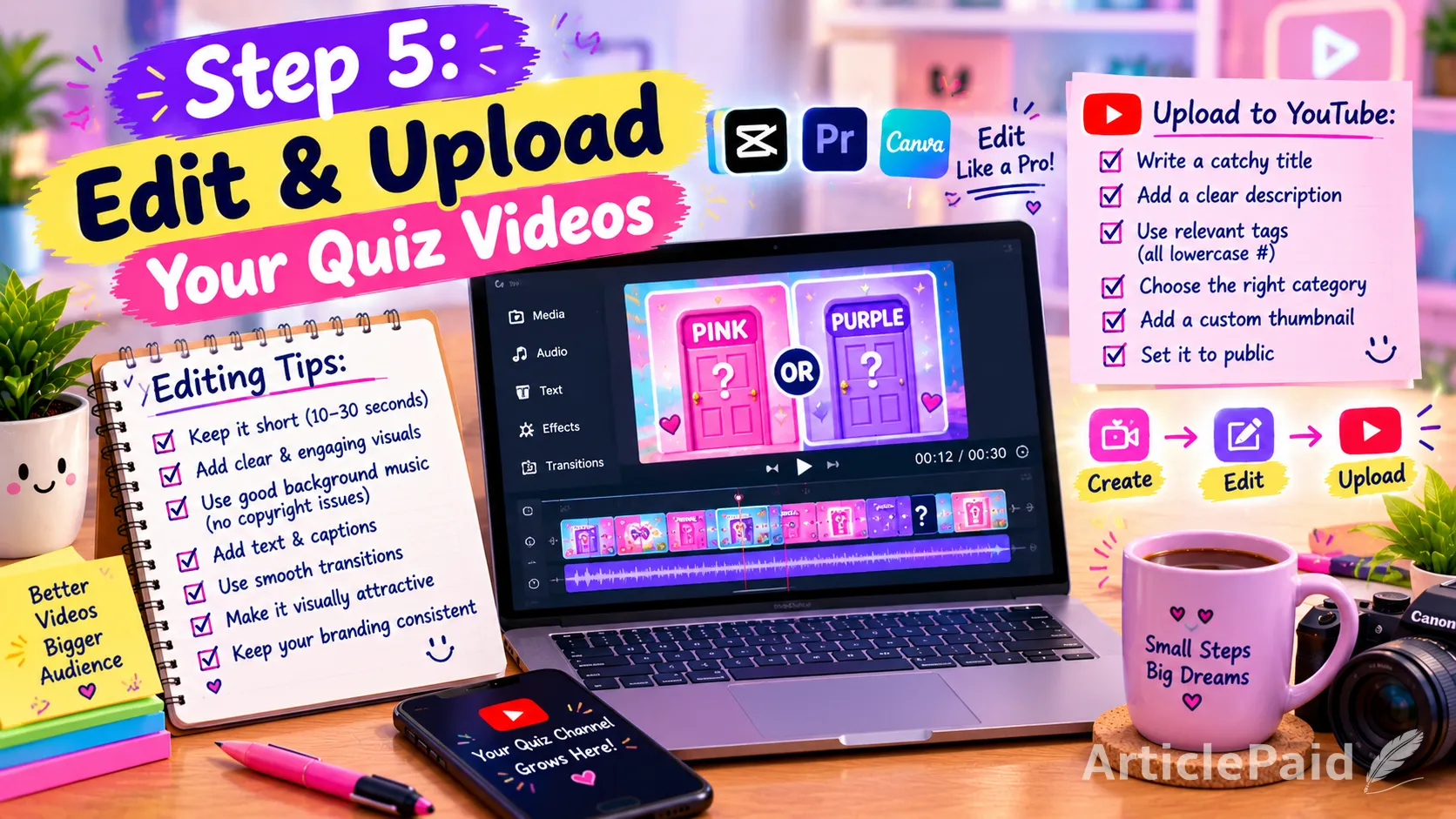
Once you have your images, script, and voiceover, bring everything together in an editor.
You can use:
- Canva
- CapCut
- VN
- Premiere Pro
- DaVinci Resolve
- Another editor you are comfortable with
For beginners, Canva or a mobile editor can be enough.
A typical quiz sequence could look like this:
0–5 seconds
Hook
“Only 1% can survive this impossible quiz!”
5–10 seconds
Instructions
“You'll have 7 seconds for every question.”
10–25 seconds
Question 1
Visual + question + countdown.25–30 seconds
Answer reveal
Add animation and commentary.30–45 seconds
Question 2
Different visual design.45–50 seconds
Answer reveal
Continue the pattern.Final section
Score + CTA
“How many did you get right? Tell me your score in the comments!”
This creates a complete entertainment experience rather than simply displaying images.
Step 8: Don't Make Every Video Look Like the Previous One
This is one of the most important points for an AI-powered channel.
Imagine uploading 100 videos where every video has:
- The same intro
- The same voice
- The same background
- The same music
- The same transitions
- The same question structure
- The same animation
- The same thumbnail
- The same description
- The same title formula
with only the questions and images changed.
That can make the channel look mass-produced.
YouTube currently states that content can be considered inauthentic when it is mass-produced, generic, repetitive, or template-based. It specifically says that content that feels interchangeable from video to video may not be eligible for monetization.
Instead, make every video have a reason to exist.
For example:
Video 1:
Would You Rather: Luxury EditionVideo 2:
Guess the Movie Using EmojisVideo 3:
Can You Guess These Logos?Video 4:
Choose Your Mystery GiftVideo 5:
Only Geography Experts Can Score 10/10Video 6:
Guess the Food From One BiteVideo 7:
Impossible Animal QuizThe channel can have a consistent identity without making every video essentially the same.
Step 9: Give Every Video Creative Value
This is perhaps the biggest difference between AI-assisted content and AI-generated mass production.
AI can help you produce the ingredients. You still need to create the final experience.
For a quiz channel, creative value can come from:
- Original questions
- Original quiz concepts
- Original narration
- Humor
- Commentary
- Interesting facts
- Original characters
- Custom animations
- Storytelling
- Suspense
- Unique scoring systems
- Different game mechanics
- Creative reveals
- Viewer interaction
For example, after a geography question, you could provide a short interesting fact:
“The correct answer is Iceland! And here's something interesting: despite its name, Iceland isn't completely covered in ice.”
Now the viewer gets more than a picture and an answer.
Step 10: Avoid the “Image Slideshow” Problem
One of the biggest mistakes in automated quiz channels is creating a video that is essentially:
Image → Image → Image → Image → Image
with little narration or creative transformation.
YouTube's monetization policy specifically identifies image slideshows, templated storylines, and scrolling text with minimal or no narrative, commentary, or educational value as examples of content that may not be eligible.
So don't build the entire channel around:
Image → countdown → answer → image → countdown → answer.
Instead, incorporate:
- Animated elements
- Voice commentary
- Question transitions
- Dynamic answer reveals
- Custom graphics
- Sound effects
- Interesting facts
- Different visual compositions
- Original characters
- Interactive scoring
The finished video should feel like a quiz show, not a slideshow.
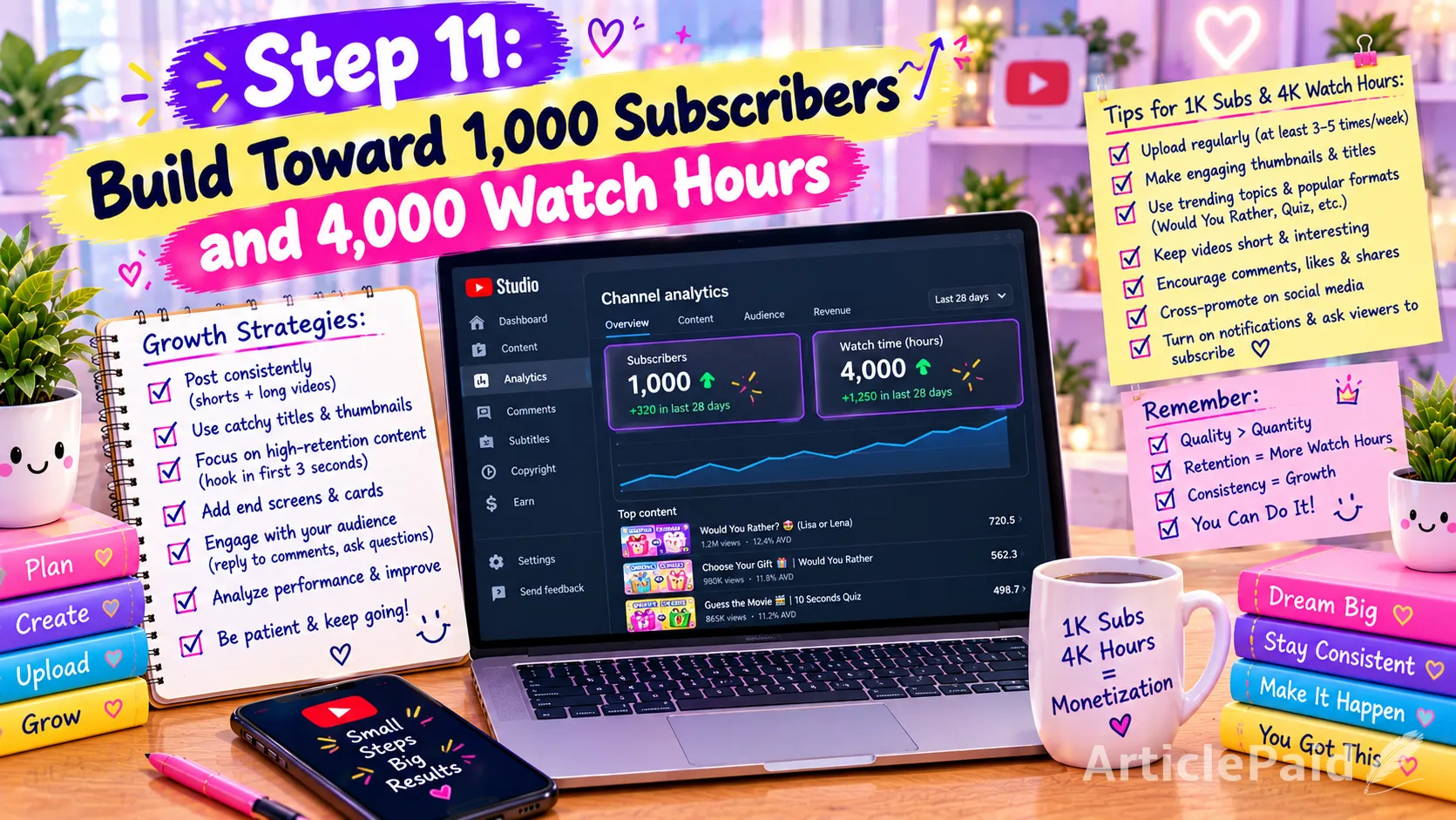
Step 11: Build Toward 1,000 Subscribers and 4,000 Watch Hours
For full ad-revenue eligibility through the standard YPP threshold, YouTube currently requires:
1,000 subscribers + 4,000 qualified public watch hours during the previous 12 months
or
1,000 subscribers + 10 million qualified public Shorts views during the previous 90 days.
Watch time from Shorts viewed in the Shorts Feed does not count toward the 4,000-hour long-form threshold.
There is also an expanded YPP entry level in eligible regions beginning at 500 subscribers plus additional activity/watch-time or Shorts-view requirements, but ad revenue from Watch Page ads and Shorts Feed ads requires the higher threshold.
This is why a creator who wants to build toward the 4,000-hour route should consider producing long-form quiz videos, rather than relying exclusively on Shorts.
Can You Reach 1,000 Subscribers and 4,000 Hours in 2–3 Months?
It can happen.
But it should not be presented as a guaranteed or standard timeline.
Some channels can reach those numbers very quickly if several videos receive substantial distribution. Others can spend many months building an audience.
Your results will depend on:
- Topic selection
- Thumbnail CTR
- Audience retention
- Upload consistency
- Video quality
- Viewer satisfaction
- Search and recommendation traffic
- Audience geography
- Competition
- Luck and timing
So instead of thinking:
“I will definitely be monetized in 90 days.”
Think:
“My objective is to build enough high-quality content and audience traction to reach the YPP thresholds as quickly as realistically possible.”
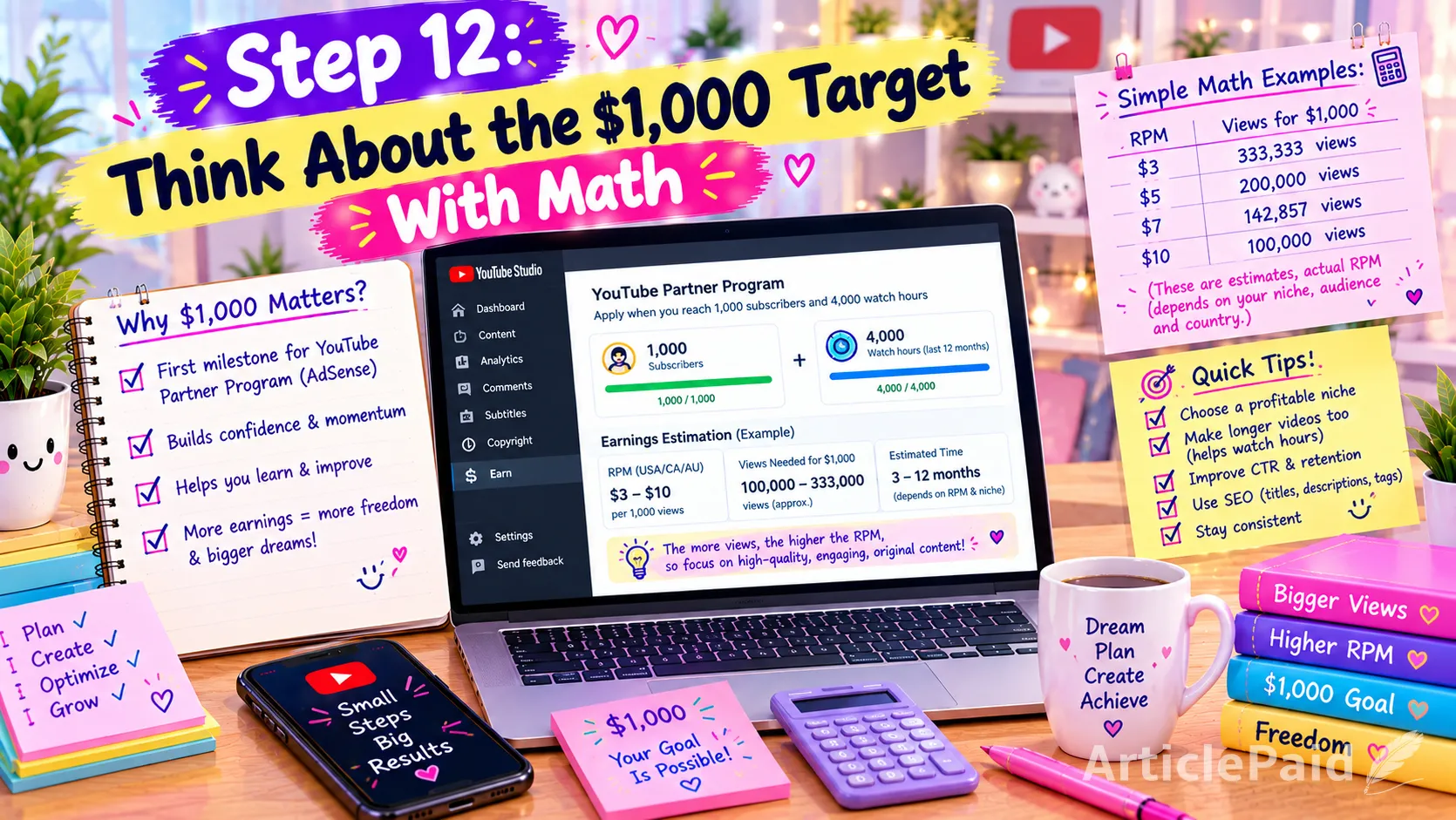
Step 12: Think About the $1,000 Target With Math
Once monetized, you can estimate the number of views required from your RPM.
For example,
if your actual RPM were: $2 RPM
you would need approximately: 500,000 monthly views = $1,000
At: $4 RPM
you would need approximately: 250,000 monthly views = $1,000
At: $5 RPM
you would need approximately: 200,000 monthly views = $1,000
At: $10 RPM
you would need approximately: 100,000 monthly views = $1,000
These are mathematical examples, not promises of what a quiz channel will earn.
And remember: RPM is not the same as CPM.
RPM is the creator's revenue per 1,000 views after YouTube's revenue share and after accounting for views that don't generate an ad impression.
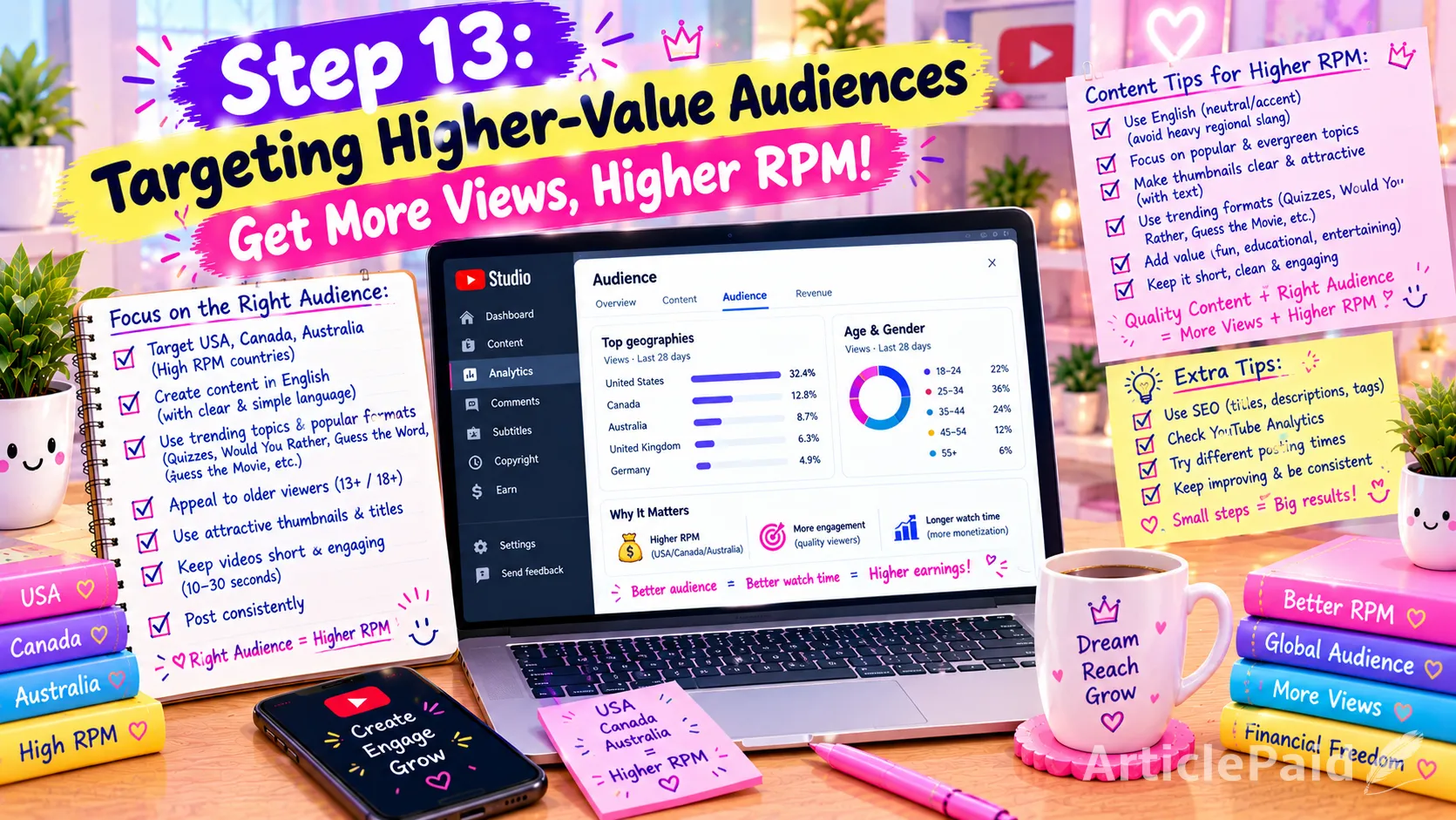
Step 13: Targeting Higher-Value Audiences
If your content is in English, you can design your channel for a broad international audience.
Countries commonly associated with stronger advertising markets include:
- United States
- Canada
- Australia
- United Kingdom
- Germany
Third-party 2026 estimates show substantial differences in creator RPM between countries, although the actual number for an individual channel can be much higher or lower depending on niche, audience, season, and monetization mix.
This is why an English-language quiz channel may have an opportunity to attract viewers from multiple higher-value markets.
However, don't sacrifice content quality simply to chase a particular country.
The best approach is to create content that naturally appeals to the audience you want.
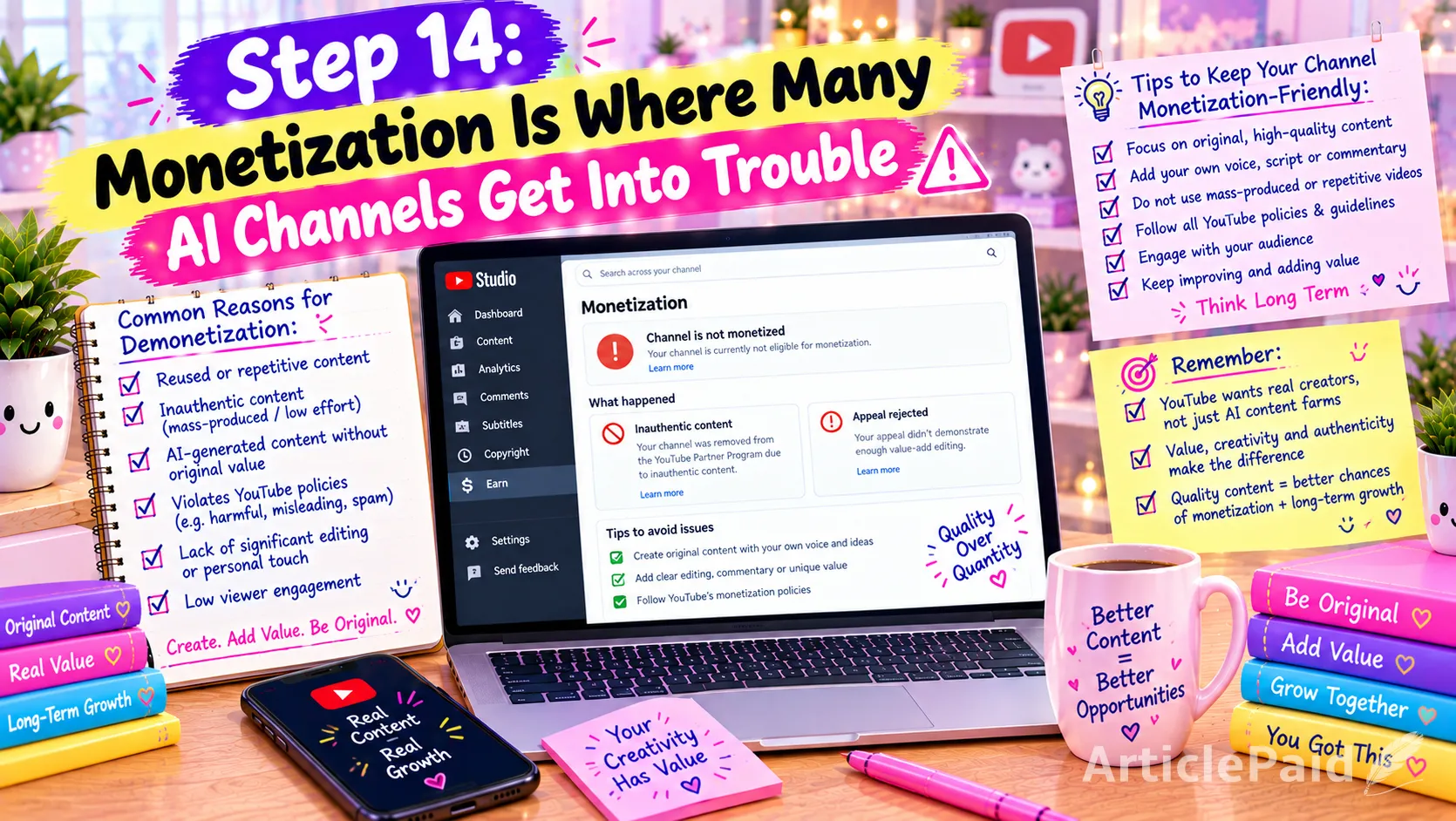
Step 14: Monetization Is Where Many AI Channels Get Into Trouble
Getting 1,000 subscribers and 4,000 hours does not automatically mean YouTube will approve your channel.
YouTube reviews channels before granting YPP access.
The current policy says monetized content should be original and authentic and should not be mass-produced, generic, repetitive, or manipulative. Reviewers can consider the channel's overall theme, most-viewed videos, newest videos, videos generating the largest proportion of watch time, metadata, and About section.
This is extremely important for AI-powered channels.
Using AI is not automatically the problem.
YouTube's own creator guidance says AI tools can be used to enhance storytelling, and AI-assisted channels can remain eligible for monetization when they follow the monetization policies.
The problem is when AI becomes a shortcut for producing large amounts of interchangeable content.
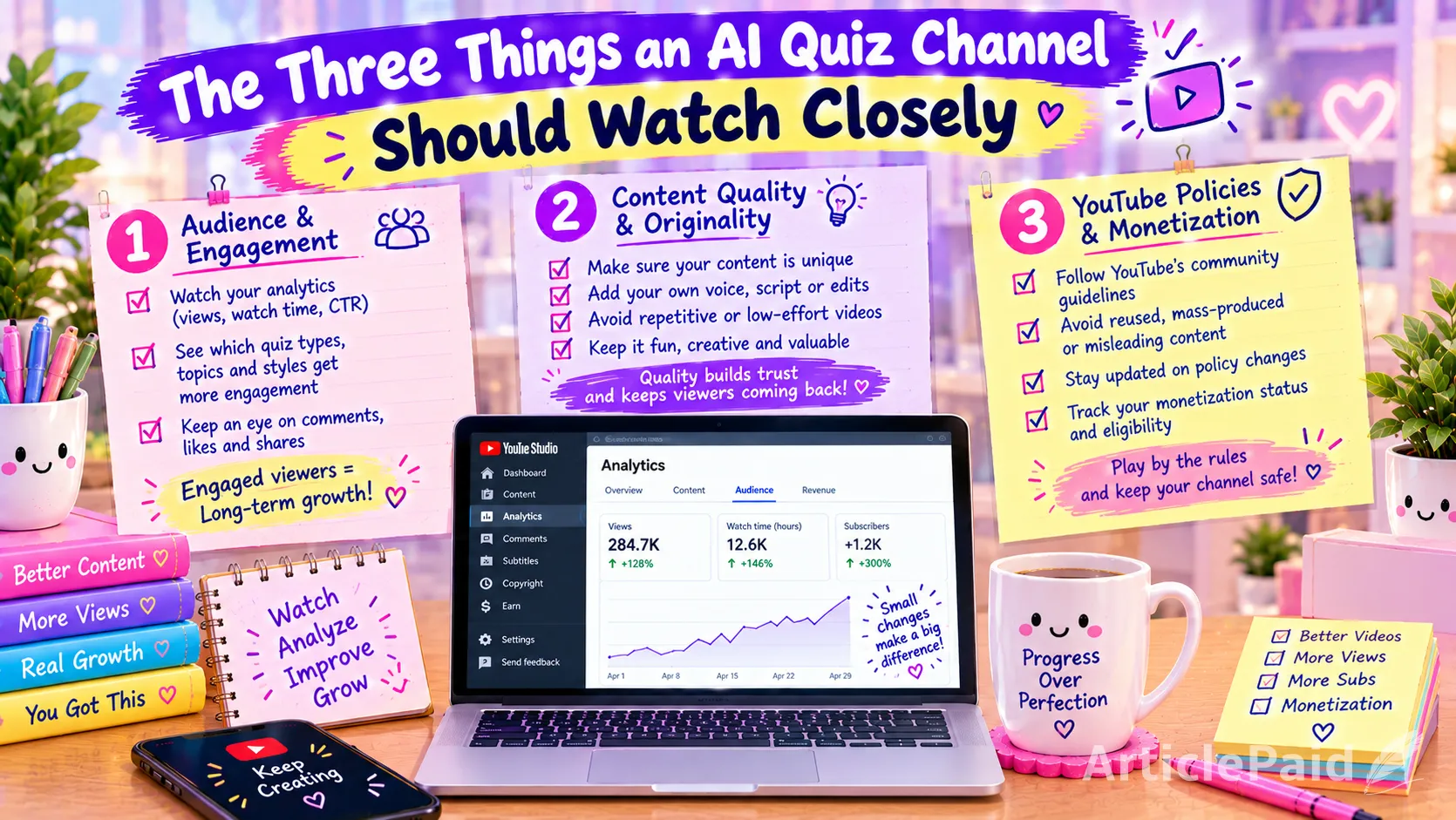
The Three Things an AI Quiz Channel Should Watch Closely
1. Low-Quality Content
Don't publish something just because AI generated it.
Check every:
- Image
- Voiceover
- Question
- Answer
- Animation
- Transition
- Thumbnail
- Audio effect
before publishing.
A single bad AI image can make a professional-looking video suddenly look amateur.
2. Generic or Repetitive Content
Don't create 50 videos using exactly the same template.
You can maintain branding, but the substance needs to change.
YouTube explicitly says similar content can be monetizable when the substance is materially varied and provides creative, educational, or other value.
So change:
- Quiz concept
- Questions
- Visual style
- Characters
- Narrative
- Commentary
- Music
- Pacing
- Game mechanics
- Thumbnail concept
when appropriate.
3. Unsatisfying or Off-Putting Content
YouTube also has a policy category concerning unsatisfying or off-putting content.
The policy says automated tools and templates can be used, but the final product should still demonstrate creative vision and provide educational or entertainment value. It also gives examples of content that uses generic templates or emotionally manipulative formulas without unique substance.
For a quiz channel, this means your goal shouldn't simply be:
“How can I generate the most videos possible?”
Instead ask:
“Would someone actually enjoy watching this video?”
That question changes the entire production process.
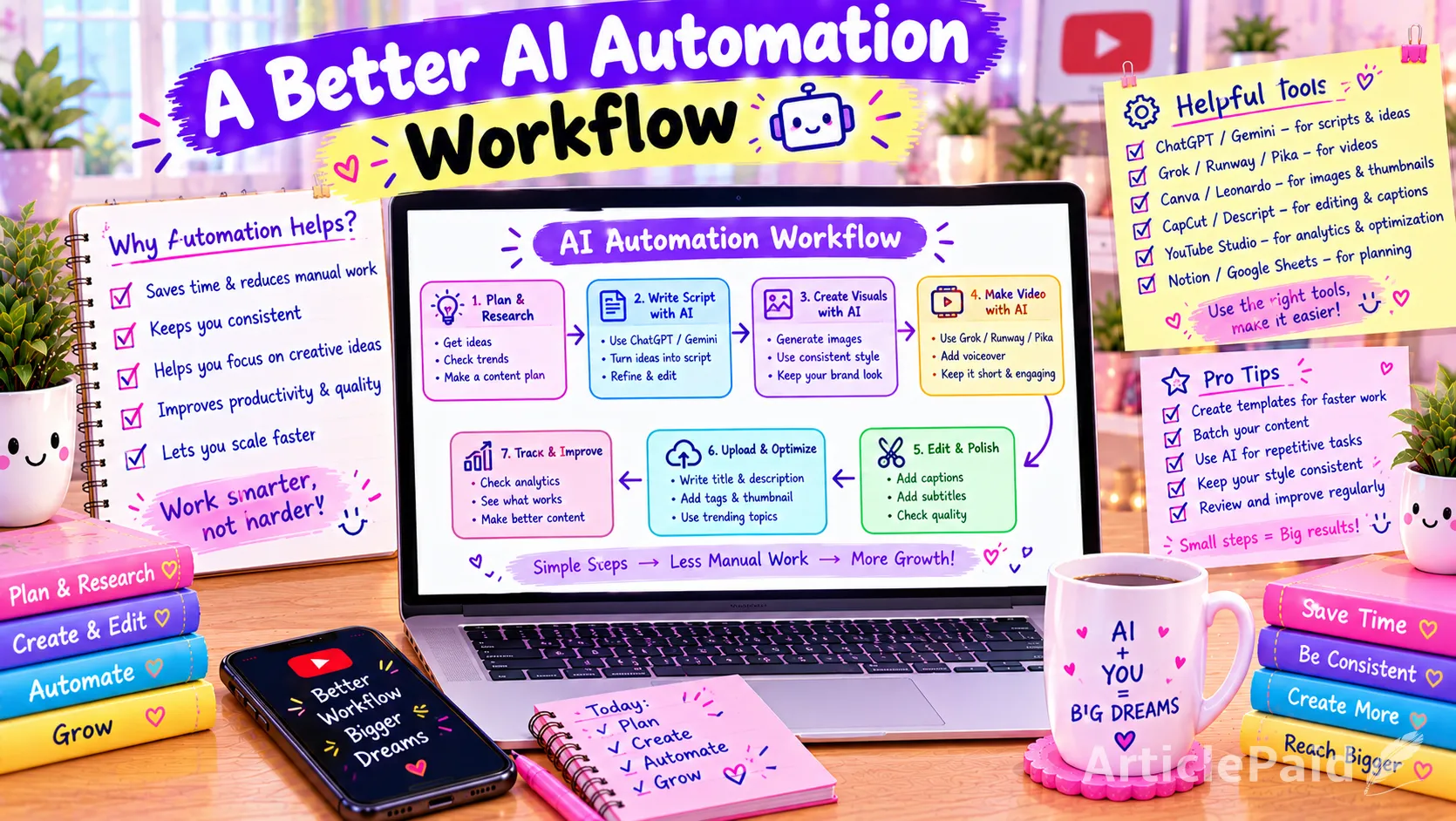
A Better AI Automation Workflow
A practical workflow could look like this:
1. Research
Find a quiz concept.
↓
2. Brainstorm
Generate 20–50 possible questions.
↓
3. Human selection
Choose the best questions and remove weak or inaccurate ones.
↓
4. Script
Use ChatGPT, Claude, Gemini, or another AI tool to develop the narration.
↓
5. Human editing
Rewrite the script so it sounds like your channel.
↓
6. Visual generation
Generate high-quality original visual assets.
↓
7. Quality control
Fix bad images and inconsistencies.
↓
8. Voice generation
Create the narration using your selected TTS platform.
↓
9. Video editing
Combine visuals, narration, animation, music and sound effects.
↓
10. Final review
Watch the entire video yourself.
↓
11. Thumbnail
Create a unique thumbnail designed specifically for that video.
↓
12. Upload
Write an accurate title and description.
↓
13. Analyze
Study CTR, retention, average view duration, comments and returning viewers.
↓
14. Improve
Use the data to make the next video better.
That is AI-assisted automation.
It is very different from:
Generate → Upload → Generate → Upload → Generate → Upload.
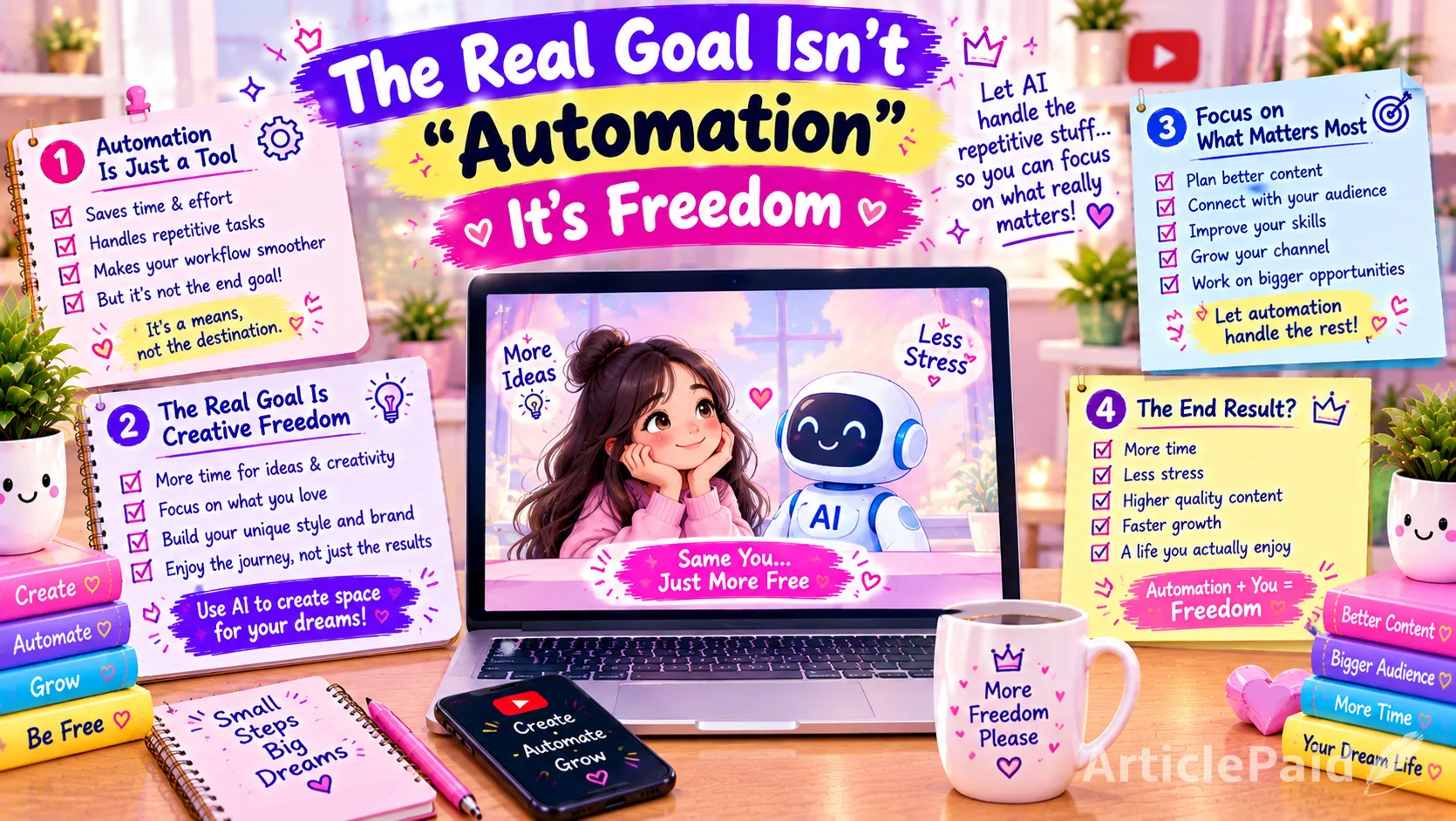
The Real Goal Isn't “Automation”
The biggest misconception about faceless AI channels is that success comes from completely automating the channel.
It doesn't.
The strongest model is:
AI handles repetitive production work.
The creator handles creativity, quality control and decision-making.AI can help you:
- Brainstorm ideas
- Generate scripts
- Create images
- Generate voice
- Organize content
- Produce variations
- Speed up editing
But you should still control:
- The channel concept
- The creative direction
- The questions
- The final script
- The visual quality
- The editing
- The viewer experience
- The publishing strategy
This is especially important because YouTube's current policies focus on whether the final content is original, authentic, varied, and valuable not simply whether AI was used somewhere in the workflow.
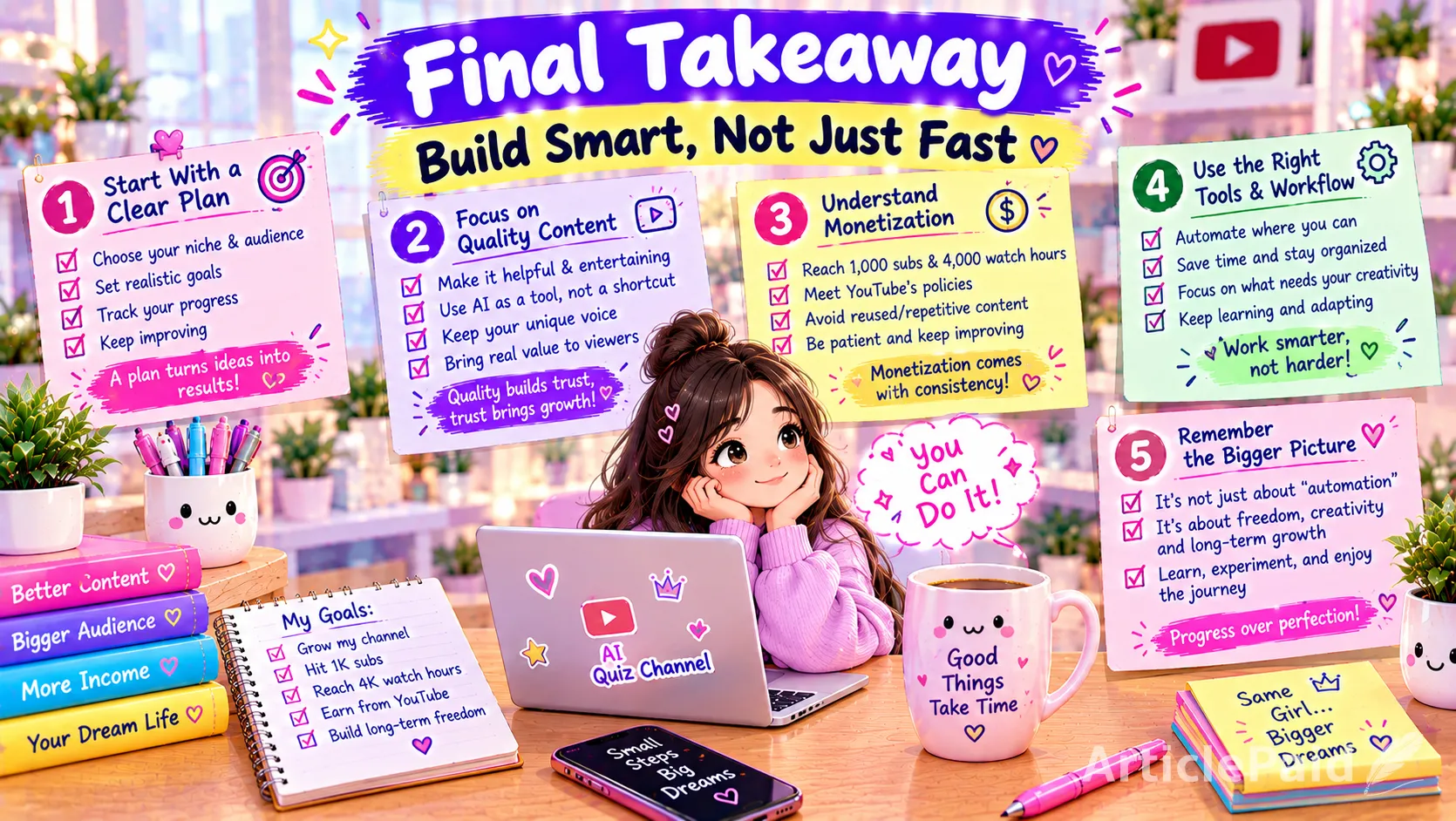
Final Takeaway
A faceless quiz channel can be a relatively accessible way to experiment with YouTube because it doesn't require a camera, studio, or on-screen personality.
You can build videos around formats such as:
Would You Rather → Guess the Emoji → Guess the Logo → Guess the Movie → Pick One → Mystery Gifts → Trivia → Personality Tests → Riddles → Impossible Quizzes
and use AI tools to accelerate almost every stage of production.
But there is a major difference between using AI to create a channel and using AI to mass-produce videos.
If every upload looks interchangeable, uses the same template, contains minimal narration, relies on low-quality images, and exists primarily to generate views, monetization can become a problem.
YouTube explicitly says that mass-produced, generic, repetitive content and image slideshows with minimal narrative or value may not qualify for monetization.
On the other hand, AI can be a powerful production assistant when you use it to help create original concepts, high-quality visuals, engaging scripts, natural narration, creative editing, and genuinely entertaining quiz experiences.
So the better formula is not:
AI + Automation = $1,000
It is:
Good concept + Original content + High-quality production + Audience retention + Consistency + Smart use of AI = an opportunity to build a profitable YouTube channel.
The $1,000/month milestone should be treated as a business target that requires sufficient monetized views not as an income guarantee.
And if your goal is long-term monetization, build the channel from day one as though a human reviewer will eventually watch several of your videos and ask one simple question:
“Does this channel actually create something worth watching?”
If the answer is clearly yes, AI becomes a production advantage rather than the identity of the channel.
More from ArticlePaid

Business and Psychological Well-being Strategies for Promoting Mental Health in the Workplace
A business is an organization or entity involved in producing, selling, or providing goods and services to meet consumer needs while generating profit. Businesses can differ significantly in size, structure, and industry, ranging from small startups to large corporations.
199 views 0 comments
Key Challenges Facing Businesses in Developing Countries
IntroductionBusinesses in developing countries are often seen as engines of economic growth and job creation. However, these enterprises face a wide range
583 views 0 comments
All You Need to Know About The Union Pacific Railroad Merger
Explore the critical developments, implications, and future impact of the Union Pacific and Norfolk Southern Railroad merger
278 views 0 comments
How to improve ACOS in Amazon ppc Ads: Effective strategies
Improving ACOS (Advertising Cost of Sales) in Amazon PPC campaigns is crucial for maximizing profitability and optimizing ad spend. By refining keyword targeting, utilizing negative keywords, adjusting bids, and continuously optimizing ad copy, sellers can lower their ACOS while maintaining or increasing sales. Effective campaign management, regular performance reviews, and using data-driven strategies ensure that your ads remain cost-effective and high-performing, ultimately driving better results for your business.
301 views 0 comments
Crypto Crash Is Eroding Wealth for Trump’s Family
In President Donald Trump’s second term, the world witnessed a significant shift in the Trump family's wealth as it became intertwined with the volatile wo
257 views 0 comments
The Future of Remote Work: Beyond the Pandemic
The COVID-19 pandemic unleashed one of the most significant transformations in the workplace landscape we’ve seen in modern times. Almost overnight, countless businesses around the globe transitioned to remote work, shifting from a mere perk to an essential aspect of operations. What started as a necessary response has now morphed into a future-focused strategy.
228 views 0 comments
7 Small Business Ideas That Make $1000 Per Month From Home in 2026
Can you really make $1000 per month from home?Yes. And you do not need an office, employees, or $10,000 to start.In 2026, people a...
13 views 2 comments
Sustainable Business: Profitability in a Green Economy
Sustainability is no longer a niche concern or a buzzword—it's become a driving force behind business innovation and profitability. As climate change accelerates and consumer expectations shift, companies that align their operations with environmental values are gaining a competitive edge. Today, the question is no longer whether sustainability matters, but how businesses can thrive within a green economy.
313 views 0 comments
Ahadith for sucessful Business. Follow Islamic teachings
The Sunnah places immense value on commerce, treating ethical trade not just as a financial activity, but as a form of worship and...
7 views 5 commentsWeekly Top Articles

10 Skills That Could Become More Valuable Because of AI
Artificial intelligence is changing the way people work, learn, and build careers. As AI tools become more capable, many people as...

How AI Is Changing the Way People Work in 2026
Artificial intelligence is no longer a futuristic concept reserved for technology companies. In 2026, AI has become a practical pa...

Sauna and Ice Bath: Does Contrast Therapy Actually Work?
Walk into almost any gym this year and you'll see the same scene. Someone sweating it out in a sauna, then stepping straight into ...
Traditional chicken biryani recipe make and enjoy with family
Chicken Biryani Ingredients**Regarding the chicken:** * 1 kilogram of chopped chicken * One cup of yogu...
Easy Italian Chicken Pasta: A Tasty Homemade Chicken Dish
Easy Italian Chicken Pasta is a delightful dish made with tender chicken pieces, herbs, and a creamy sauce, and served with al den...
How to use AI Tools for Freelancing: Beginner’s Guide
IntroductionArtificial Intelligence (AI) tools are beneficial for freelancers as they simplify and automate work processes. Users ...






Responses (0)
Sign in to share your thoughts.
Sign in